
Annotate images offline with Labelme
Unofficial preview. Docsbook assembled these pages from the public
wkentaro/labelmeREADME.mdandexamples/directory. It is not affiliated with, endorsed by, or maintained by the Labelme project. The official documentation lives at labelme.io/docs.
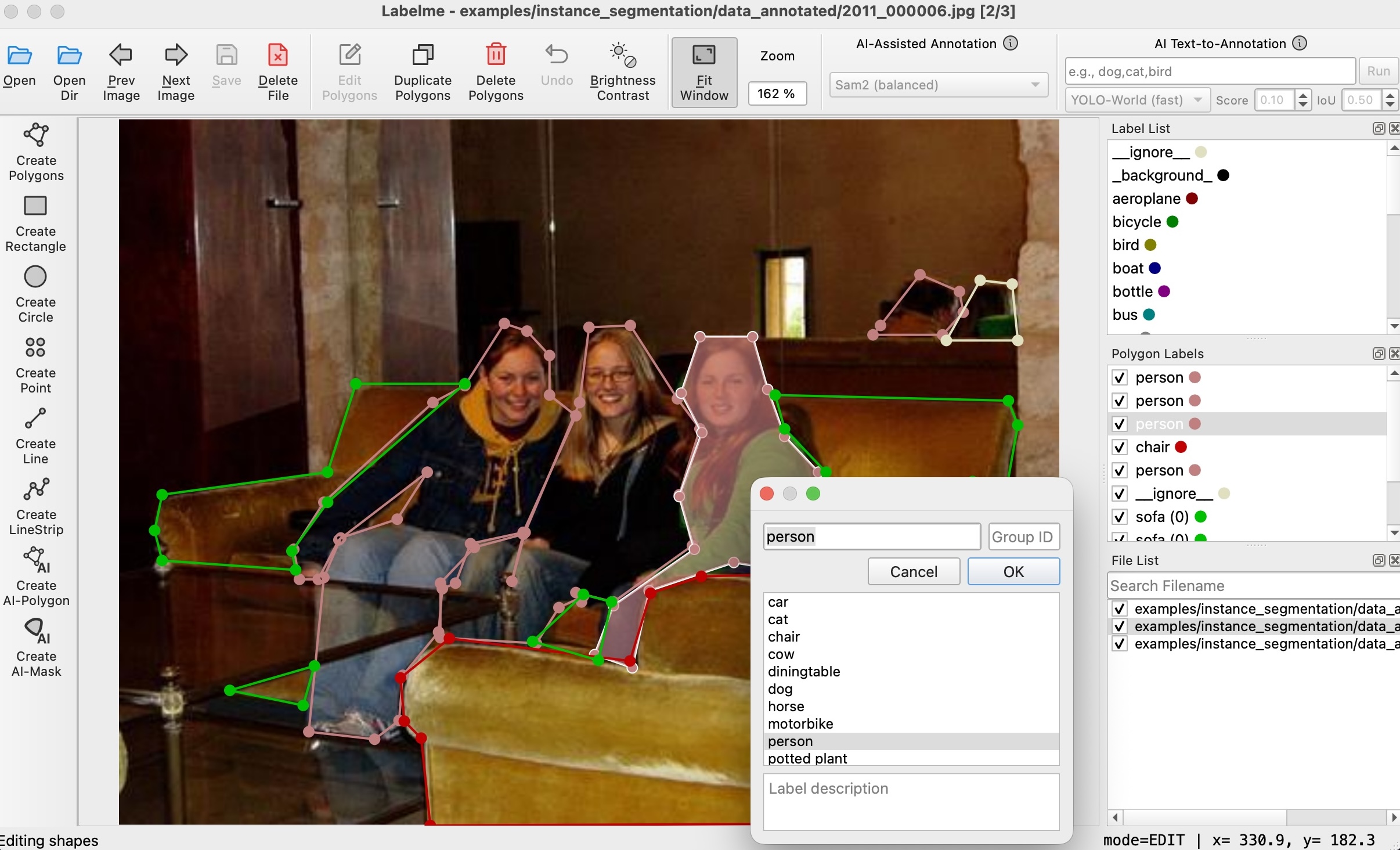
You draw polygons, rectangles, circles, lines and points over an image, and Labelme saves them as a JSON file next to it. It is written in Python and uses Qt for its interface.
This preview exists to show one thing: what happens when the material that is already public — a single 12 KB README and six example folders — is split so that each task the reader arrives with has a page of its own, a title that names that task, and a next step.
Install Labelme and save your first annotation JSON
Shapes, labels, flags, and how the JSON file is organised
The pip package, the standalone app, and which one fits you
The single-image tutorial, end to end
Draw rectangles for object detection
Label every pixel by class
Separate each object of the same class
Tag a whole image instead of a region
Carry annotations across consecutive frames
Produce annotations.json in COCO instance format
Produce JPEGImages and Segmentation folders
Load the JSON yourself, without importing Labelme
What this preview changes#
The underlying material is unchanged — every command, flag and file name below came from the repository. What changed is where it lives:
| In the repository | In this preview |
|---|---|
One README with an ### FAQ bullet list |
19 pages, each titled with the task it answers |
| Export instructions inside example folders | Export to COCO and Export to Pascal VOC as their own pages |
| CLI flags described in a prose paragraph | A table with every flag from labelme --help |
| No search, no next/previous | Search, breadcrumbs, and a next step at the bottom of every page |
Next steps#
Start with Get started if you want Labelme running, or Core concepts if you want to understand the annotation model first.
This preview is a demonstration of layout. For the product itself, the current prices and the official docs, go to the source.