
Annotate video frames
Unofficial preview. Docsbook assembled this page from the public
wkentaro/labelmeREADME.mdandexamples/directory. It is not affiliated with, endorsed by, or maintained by the Labelme project. The official documentation lives at labelme.io/docs.
Labelme annotates images, so video annotation is frame annotation. The work that makes it bearable is --keep-prev, which carries the previous frame's shapes into the next one so you nudge vertices instead of redrawing objects.
Split the video into frames#
Labelme does not decode video itself. The repository suggests video-cli:
pip install video-cli
video-toimg your_video.mp4
This creates a your_video/ directory of frames. Check it before annotating:
ls your_video/Annotate the frames#
labelme data_annotated --labels labels.txt --keep-prev \
  --config '{shape_color: {mode: auto, auto: {shift: -2}}}'
With --keep-prev, moving to the next frame starts from the previous frame's annotation rather than from an empty canvas. Consecutive frames differ by a few pixels, so most shapes need adjusting rather than drawing.
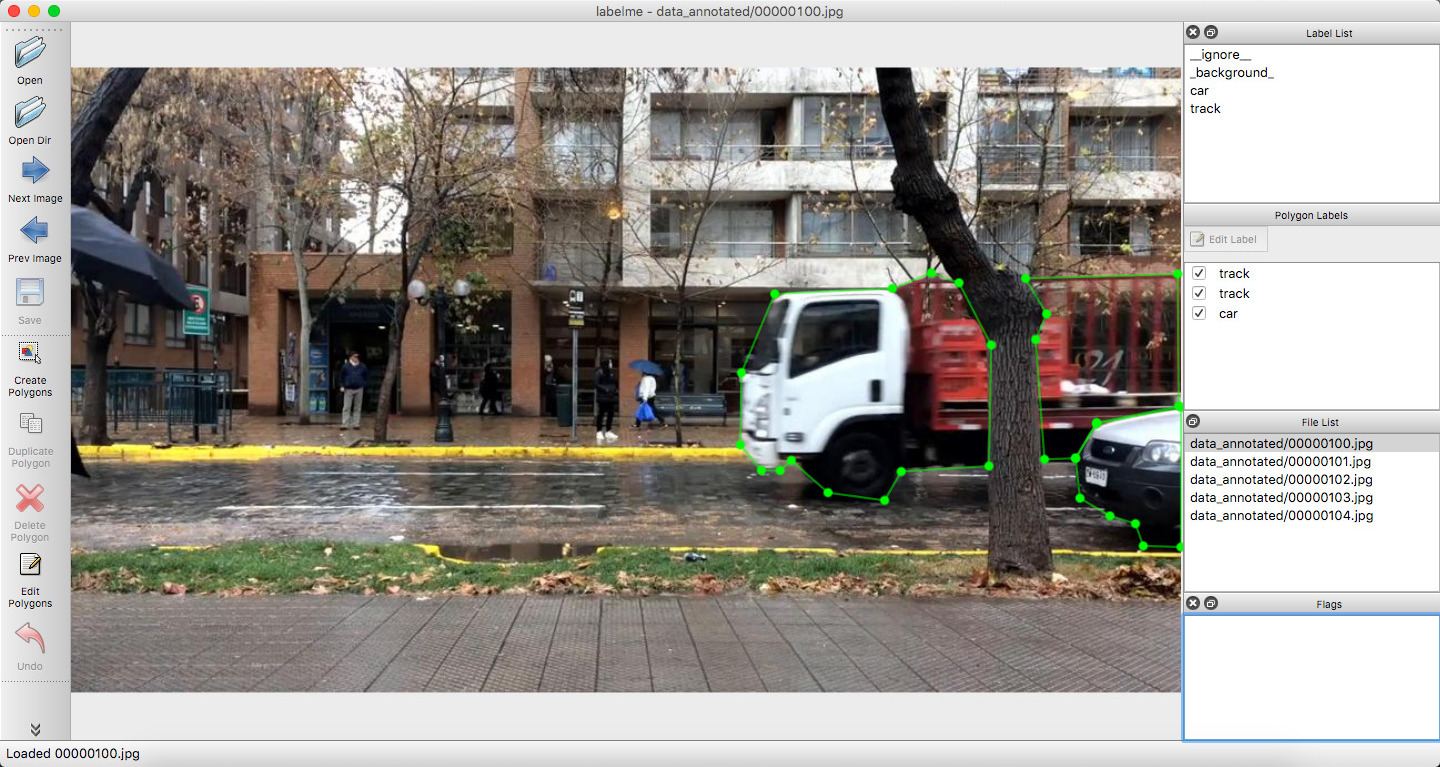
The same behaviour can be made permanent in your config file with keep_prev: true; keep_prev_scale and keep_prev_brightness_contrast carry the zoom and display settings across frames too. See the configuration reference.
Check the result as a sequence#
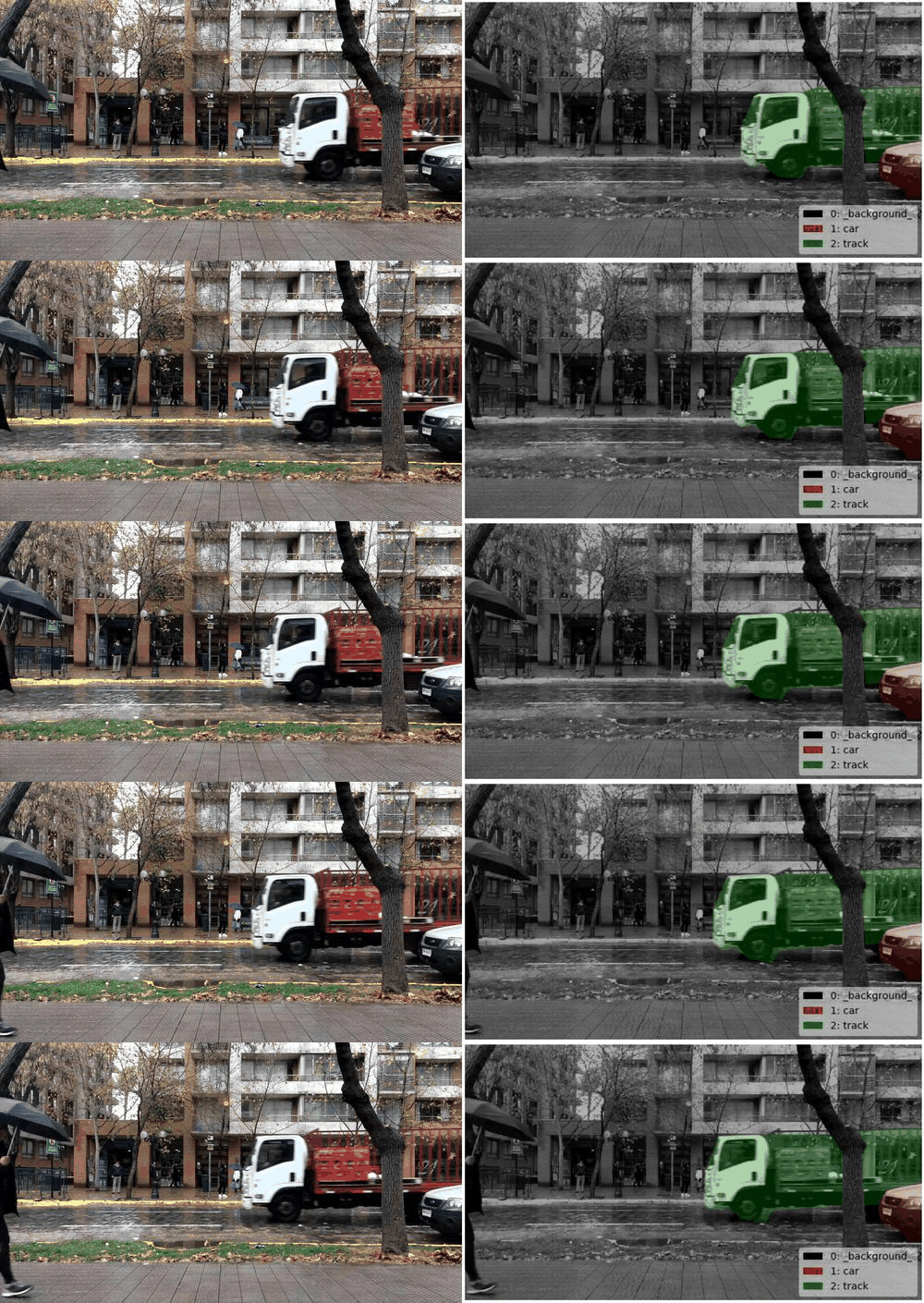
Still frames hide flicker. Rendering the annotated frames back as an animation shows a mask that jumps between frames, which is the defect that hurts a video model:
Related#
- Semantic segmentation — exporting the frames you just annotated
- Configuration reference —
keep_prevand its companions - Command line reference