
Draw bounding boxes for object detection
Unofficial preview. Docsbook assembled this page from the public
wkentaro/labelmeREADME.mdandexamples/directory. It is not affiliated with, endorsed by, or maintained by the Labelme project. The official documentation lives at labelme.io/docs.
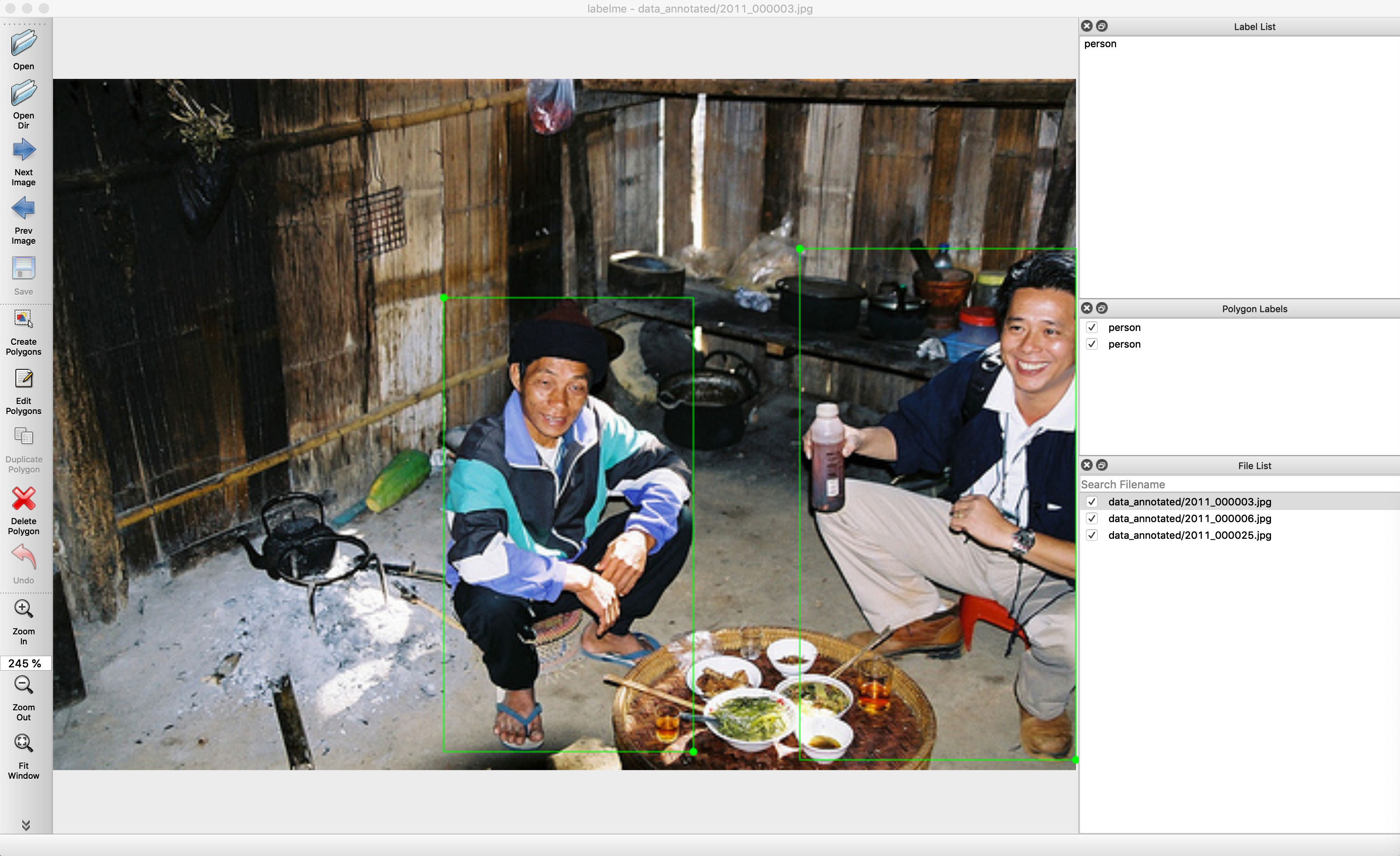
Bounding-box detection in Labelme means drawing rectangles rather than polygons, and exporting to the Pascal VOC detection layout rather than a segmentation one. This is the examples/bbox_detection workflow.
Annotate the directory#
labelme data_annotated --labels labels.txtPassing a directory loads every image in it. --labels fixes the vocabulary so the same object is not called bottle on one image and Bottle on the next.
Export to Pascal VOC detection annotations#
./labelme2voc.py data_annotated data_dataset_voc --labels labels.txtThe script writes three directories:
| Directory | What it holds |
|---|---|
data_dataset_voc/JPEGImages |
The source images |
data_dataset_voc/Annotations |
One VOC XML annotation per image |
data_dataset_voc/AnnotationsVisualization |
Boxes drawn back over the images, for checking |
The visualisation directory is the one to open first — it is the fastest way to see a box that was drawn on the wrong object or given the wrong class.
Keeping the label set honest#
Add validation if more than one person annotates:
labelme data_annotated --labels labels.txt --validate-label exactWith --validate-label exact, a label not in labels.txt is rejected instead of silently creating a new class that then appears in the export.
Related#
- Export to Pascal VOC — the segmentation variants of the same script
- Instance segmentation — when a box is not tight enough
- Command line reference — every flag used above